
See how it works
- 1
Pick your city.
 Your city
- 2
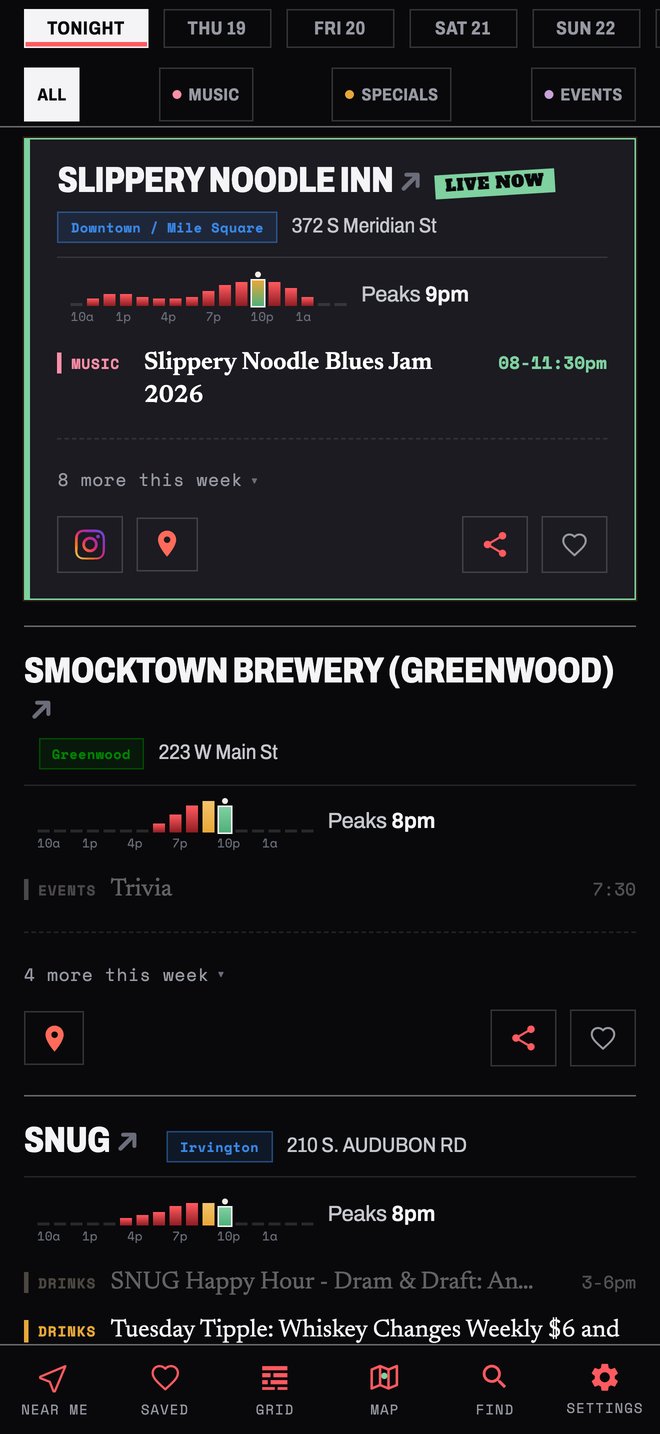
See tonight's list: live music, drink specials, and events.
 Tonight
- 3
Tap Specials to see just the drink deals and happy hours.
 Specials
- 4
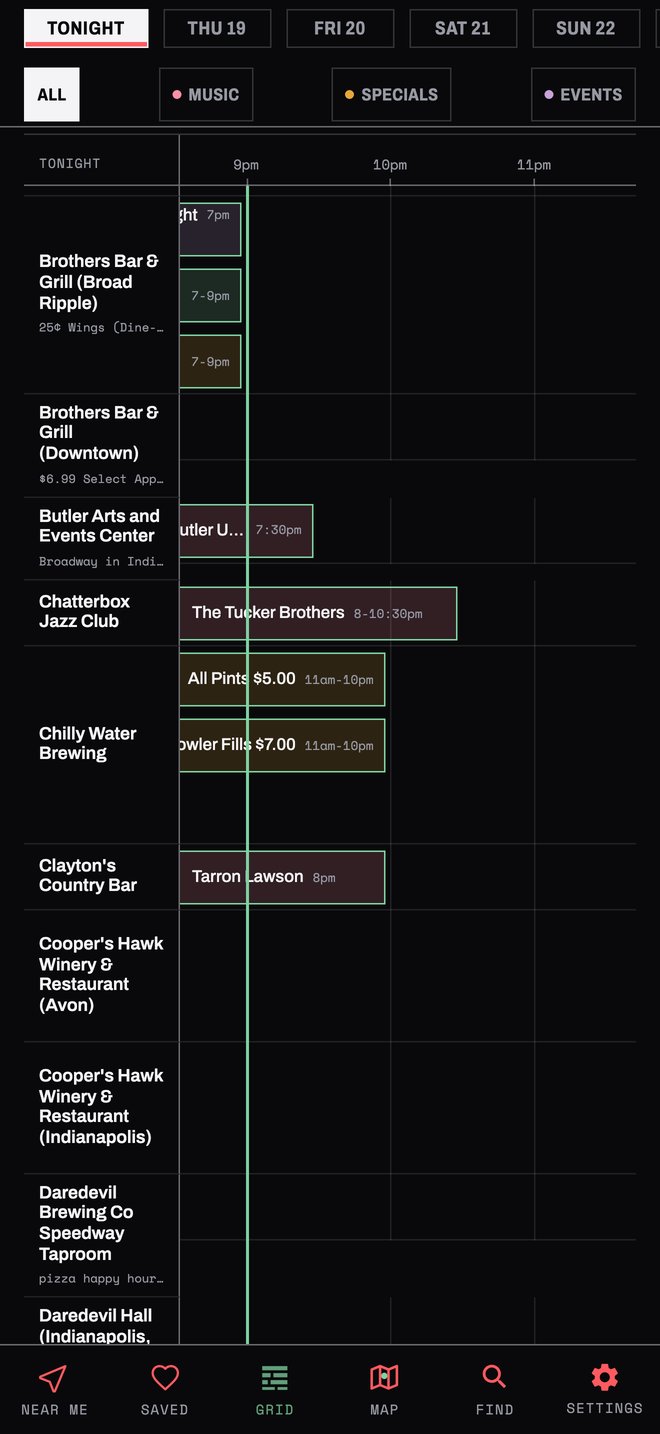
Switch to the grid to see every start time at a glance.
 Grid
- 5
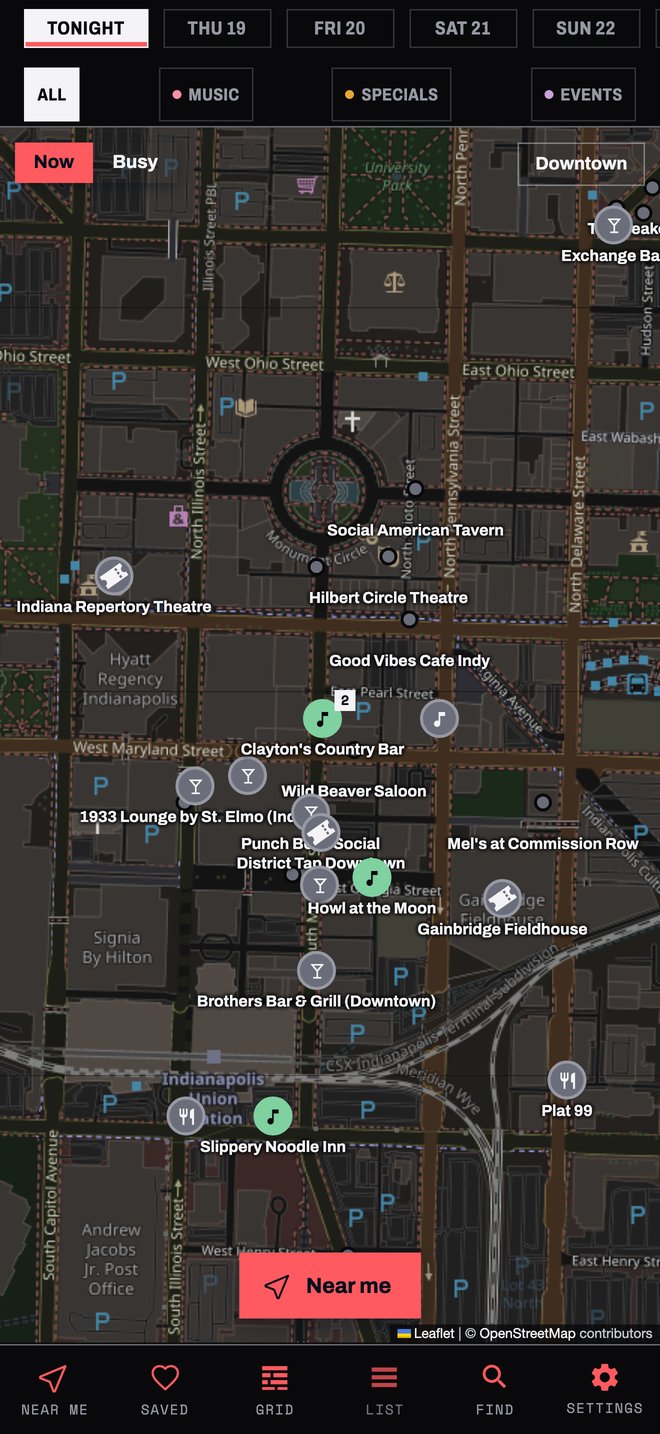
Open the map. Now shows what's live right now and what starts soon.
 Now
- 6
Switch the map to Busy to see which spots are packed right now and which usually are.
 Busy
- 7
Search any band, bar, or special with Find.
 Find
- 8
Turn on Near me to sort tonight by what's closest.
 Near me
- 9
At a spot? Tap how busy it is, so everyone knows.
 How busy?
- 10
See how busy each spot is right now, and when it usually peaks.
 Busy now
- 11
Tap the heart to save your spots.
 Save
- 12
At 5pm, get a heads-up about your saved spots.
 5pm alert